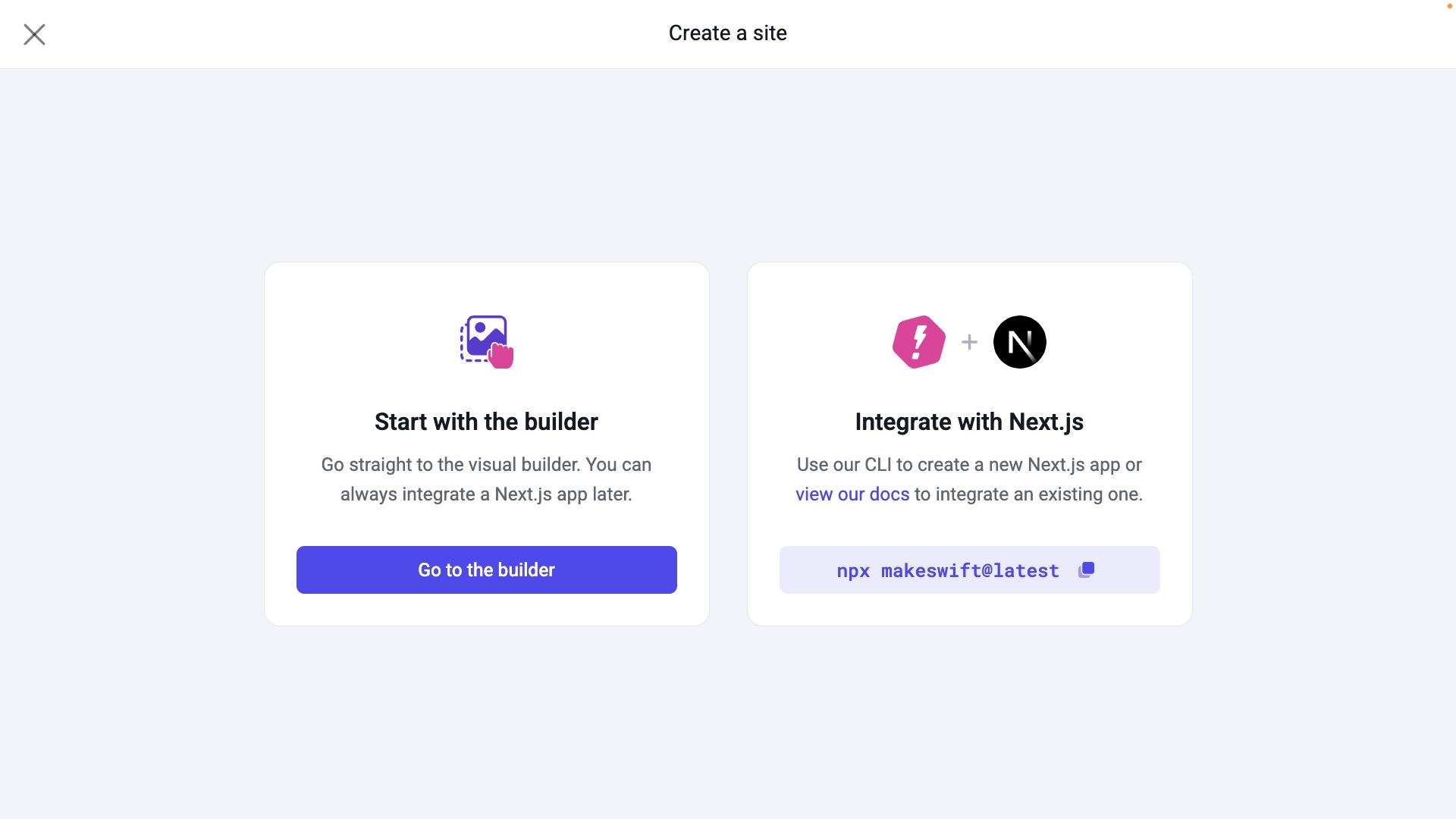
Starting with the Visual Builder utilizes Makeswift’s default
host, while Integrating with Next.js will
prompt you to utilize your own custom
host.
Visual Builder overview
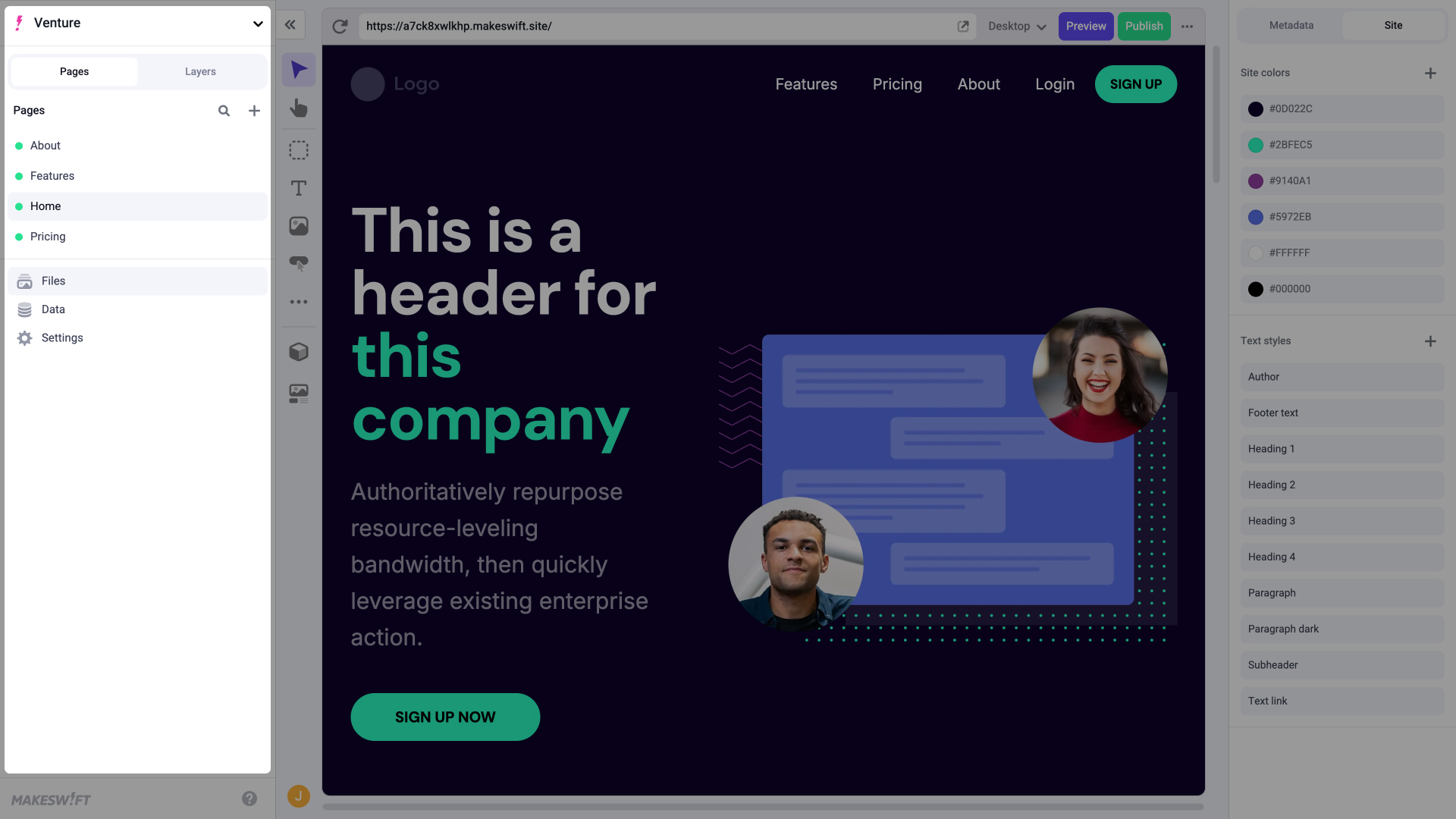
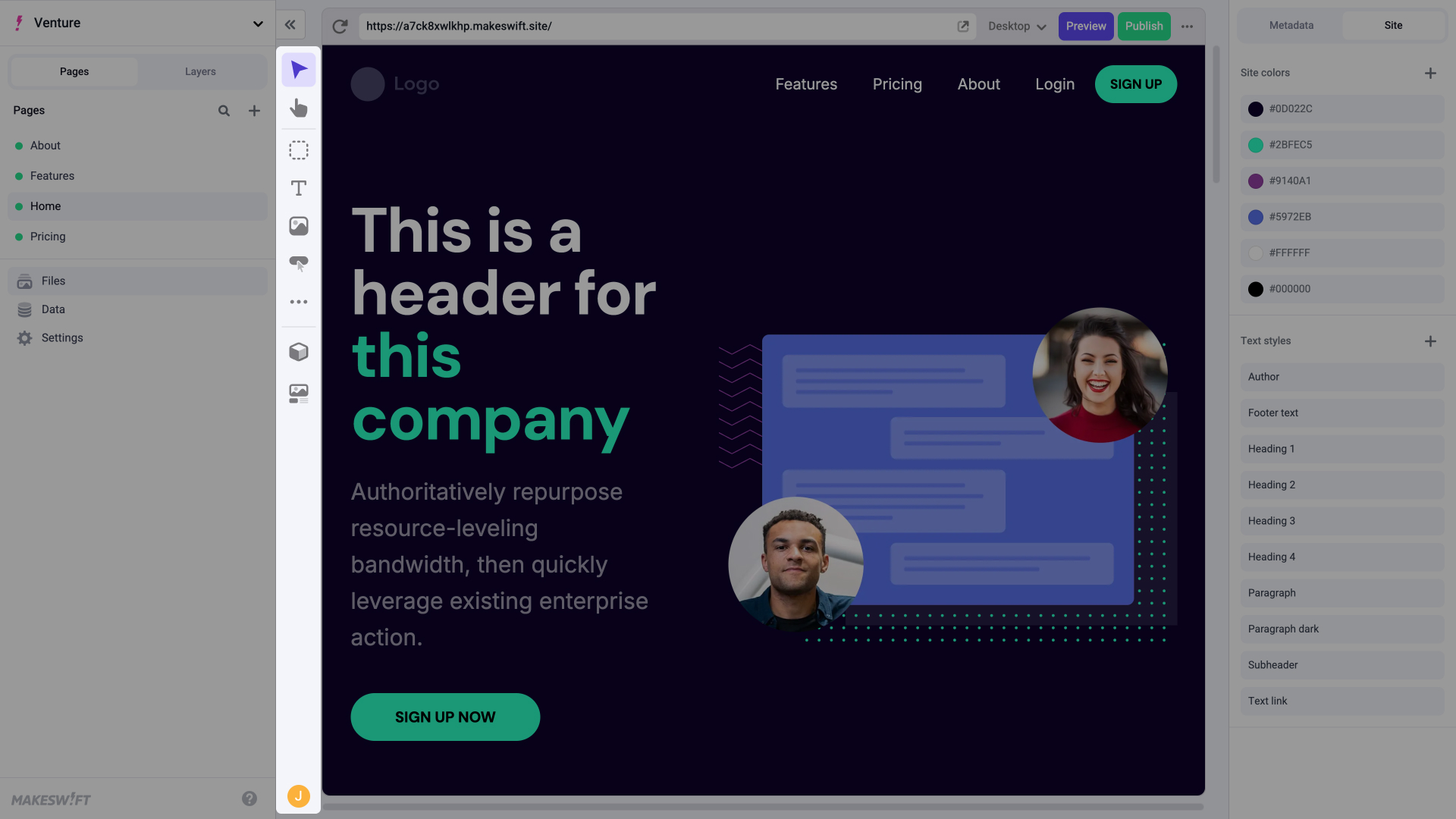
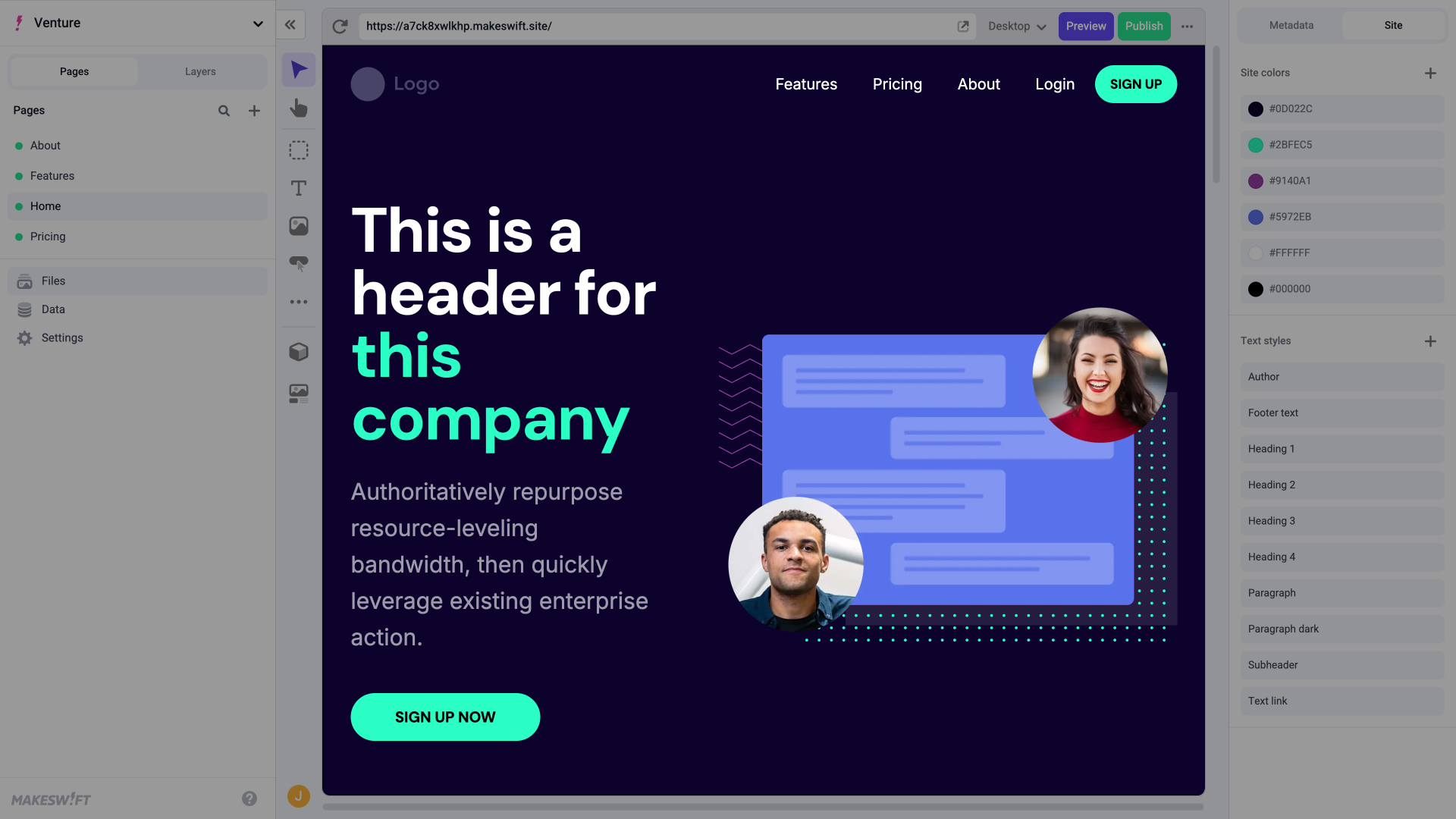
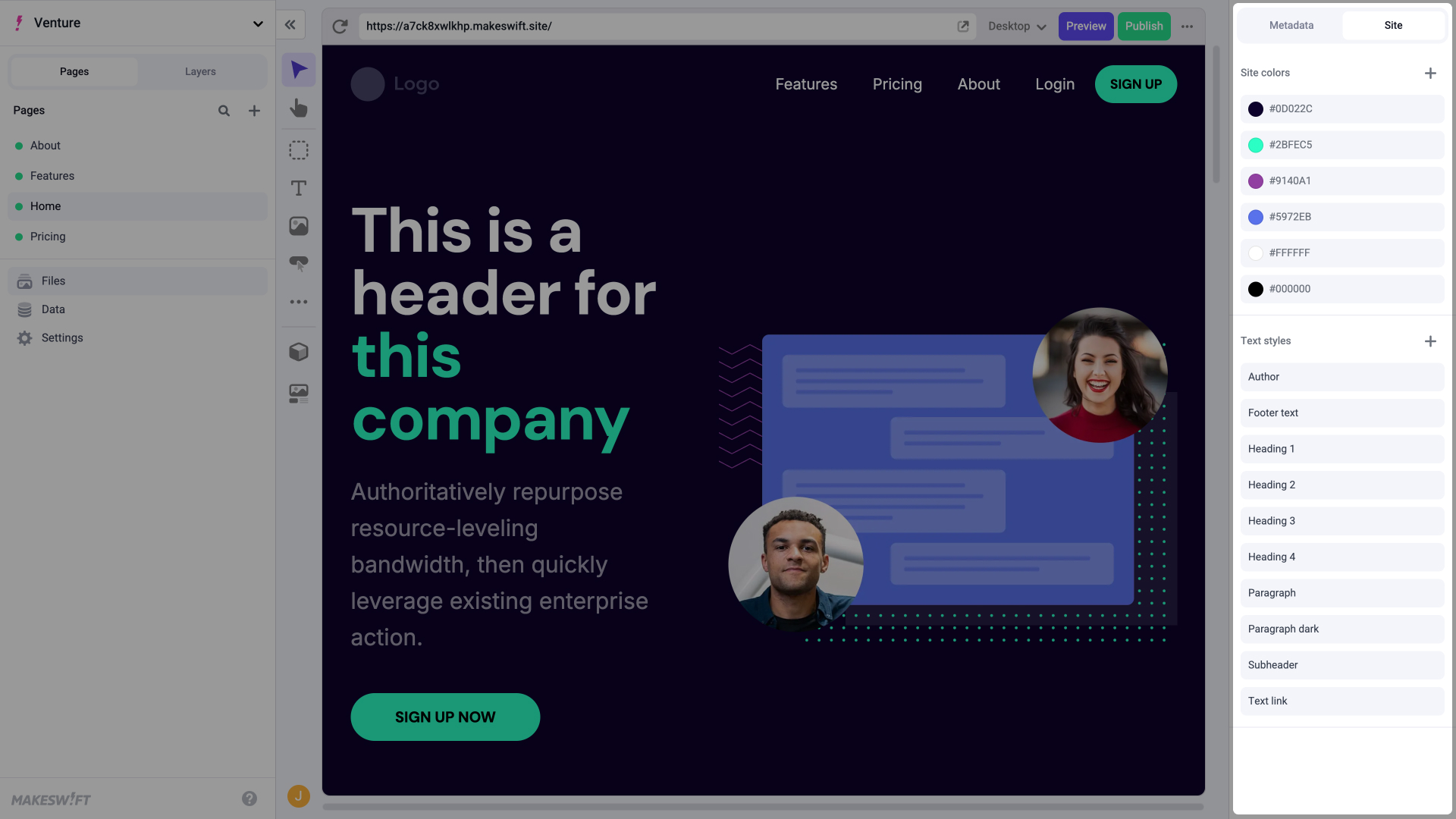
Once your new site is created, you’ll be taken to the Visual Builder which is composed of 4 main sections:- Component Toolbar
- Canvas
Explore your sites, pages, layers, files, and settings.